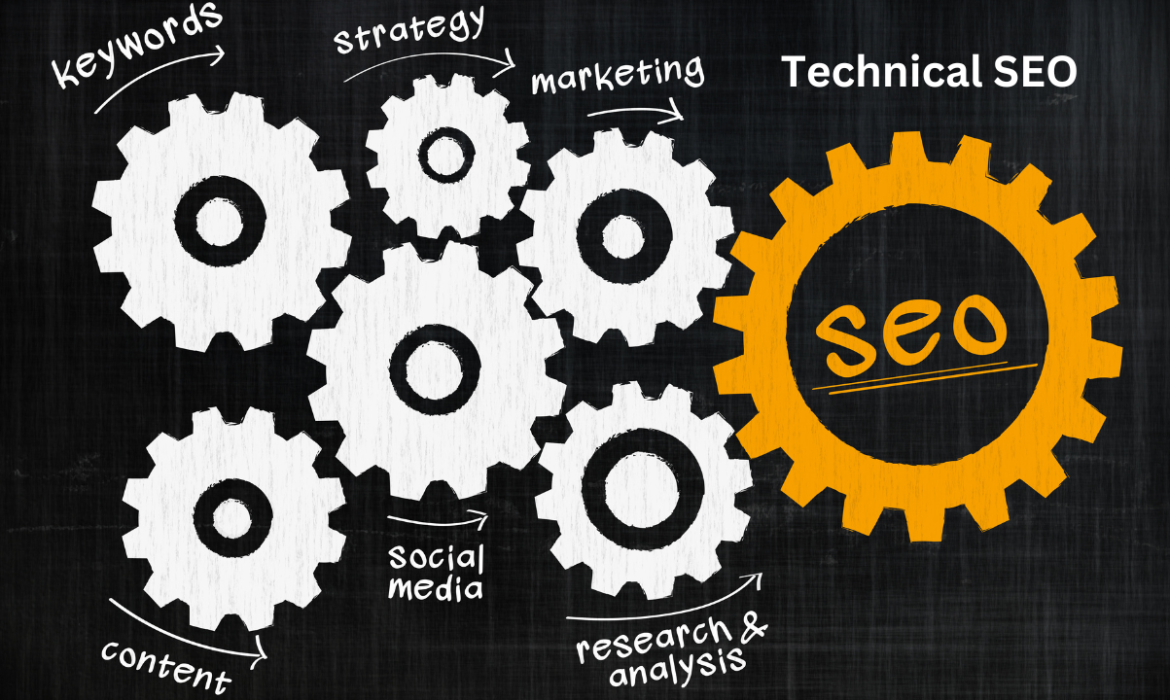
In the fast-paced world of digital marketing, Technical SEO is an essential, yet often overlooked, aspect of optimizing your website for search engines. While creating engaging content and building quality backlinks is critical, without a solid technical foundation, your efforts may not yield the desired results. Technical SEO ensures that your website is fully optimized for search engines to crawl, index, and rank it effectively.
In this detailed guide, we will explore the intricacies of Technical SEO, breaking down the essential elements, tools, and actionable steps that can elevate your website’s performance on search engine results pages (SERPs).
What is Technical SEO?
Technical SEO refers to optimizing your website’s technical infrastructure, making it easier for search engines like Google to crawl, interpret, and index your content. This process involves a range of elements, including website speed, mobile-friendliness, security, structured data, and more. Implementing technical SEO best practices creates a seamless user experience and ensures search engines can easily access and rank your site.
Effective Technical SEO serves as the foundation upon which your content and off-page SEO efforts will build, making it a key part of any successful SEO strategy.
Key Elements of Technical SEO
1. Website Speed Optimization
Website speed is a critical ranking factor that impacts both user experience and SEO. Users expect fast-loading pages, and Google rewards websites that provide a smooth experience with higher rankings. A slow website can result in high bounce rates and reduced visibility.
Ways to Improve Website Speed:
- Minimize HTTP Requests: Each file (CSS, JavaScript, images) sends a separate request to the server. Reducing these requests speeds up the loading time.
- Use Lazy Loading: Lazy loading ensures that only the images and content visible to the user load initially, improving page speed.
- Enable Compression: Use Gzip compression to reduce the file size of HTML, CSS, and JavaScript files.
- Optimize Images: Compress and resize images without losing quality using tools like TinyPNG or ImageOptim.
- Leverage Browser Caching: Store frequently used files locally in the browser, so users don’t have to download them again on subsequent visits.
- Use a CDN: A Content Delivery Network (CDN) stores your website data on servers around the world, reducing the distance data needs to travel, leading to faster load times.
2. Mobile-Friendliness and Mobile-First Indexing
As mobile traffic continues to rise, Google has adopted a mobile-first indexing policy. This means Google primarily uses the mobile version of your website for ranking and indexing. Sites that aren’t mobile-friendly risk losing valuable organic traffic.
To Ensure Mobile-Friendliness:
- Responsive Design: Ensure your website adjusts seamlessly to different screen sizes and devices. This provides a consistent user experience on mobile, tablet, and desktop devices.
- Readable Text: Use legible font sizes, ensuring that users don’t need to zoom in or out.
- Avoid Flash: Mobile devices often don’t support Flash, and its usage can slow down your site. Opt for HTML5 or JavaScript instead.
- Touch-Friendly Elements: Ensure buttons, links, and form fields are large enough to interact with easily on a touch screen.
Use Google’s Mobile-Friendly Test to evaluate your site’s performance on mobile devices.
3. Crawlability and Indexability
For search engines to rank your site, they need to be able to crawl (navigate) and index (store) your web pages in their databases. Any barriers to crawlability or indexability can prevent search engines from accessing your content.
Best Practices for Crawlability and Indexability:
- XML Sitemap: Create and submit an XML sitemap to Google Search Console. This acts as a roadmap for search engines, ensuring all your important pages are crawled.
- Robots.txt File: Use a properly configured robots.txt file to direct search engines on which pages they should or shouldn’t crawl. Ensure you’re not unintentionally blocking key pages from being crawled.
- Noindex Tags: Use the “noindex” meta tag to prevent search engines from indexing certain pages (e.g., duplicate content, thank you pages, etc.).
- Internal Linking: Establish a logical and hierarchical internal linking structure. This helps search engines discover new content and understand the relationship between pages.
4. Structured Data and Schema Markup
Structured data helps search engines understand your content in more detail. By adding schema markup, you can provide search engines with information about your products, reviews, events, and more. This often results in rich snippets, which are enhanced search listings that can improve your click-through rates (CTR).
Popular Schema Types:
- Product Schema: Displays product details such as price, availability, and reviews.
- Review Schema: Shows star ratings and aggregate scores for products or services.
- Breadcrumb Schema: Displays a website’s navigation path in search results.
- FAQ Schema: Helps websites with frequently asked questions appear as rich results in Google.
Use tools like Google’s Structured Data Testing Tool and Schema.org to implement and validate schema markup on your site.
5. HTTPS and Security
In 2014, Google announced HTTPS as a ranking signal, which means that websites with SSL certificates (indicating they are secure) are given preference over those without. Websites that lack an HTTPS designation are marked as “Not Secure” by browsers, deterring visitors and reducing trust.
Steps to Secure Your Website:
- Install an SSL Certificate: This ensures secure communication between users and your website. You can obtain one from your hosting provider or a certificate authority.
- Update All URLs to HTTPS: After installing the SSL certificate, ensure that all your internal links, images, and scripts are pointing to the HTTPS version.
- Implement 301 Redirects: Redirect HTTP URLs to their HTTPS versions to avoid losing link equity.
- Update Google Search Console: Make sure to update the URL to reflect the HTTPS version.
6. Fixing Duplicate Content Issues
Duplicate content can confuse search engines, making it harder for them to decide which page to rank. This can dilute the authority of your pages and lower your rankings.
Ways to Fix Duplicate Content:
- Canonical Tags: Use canonical tags (
rel=canonical) to tell search engines which version of a page should be considered the “master” version. - 301 Redirects: Redirect duplicate pages to the original or preferred page using 301 redirects.
- Avoid URL Parameters: URL parameters (e.g.,
?id=1234) can create different versions of the same page. Use parameter handling tools in Google Search Console to fix this.
7. Handling Broken Links (404 Errors)
Broken links are a poor user experience and can also disrupt a search engine’s ability to crawl your site. When a user lands on a 404 error page, they may leave your site, increasing your bounce rate.
Fix Broken Links by:
- Regularly Auditing Your Site: Use tools like Screaming Frog or Ahrefs to detect broken links.
- Creating Custom 404 Pages: Design an engaging and helpful 404 page to guide users back to useful content.
- Implementing 301 Redirects: Redirect outdated or broken URLs to their updated counterparts.
Best Practices for Technical SEO
- Perform Regular Technical Audits Use tools like Google Search Console, Screaming Frog, SEMrush, or Ahrefs to regularly audit your site’s health. These tools will identify crawl errors, broken links, duplicate content, and other technical issues.
- Optimize for Core Web Vitals Core Web Vitals are a set of metrics introduced by Google to measure user experience. They focus on three key areas: page loading performance, interactivity, and visual stability. Improving your Largest Contentful Paint (LCP), First Input Delay (FID), and Cumulative Layout Shift (CLS) scores can enhance your rankings.
- Create a Clean URL Structure A well-structured URL is not only user-friendly but also makes it easier for search engines to understand the page’s content. Use descriptive, readable URLs that are short and contain your target keyword where possible. Avoid the use of session IDs or excessive parameters.
- Utilize Proper Canonicalization Canonicalization helps prevent duplicate content issues by telling search engines which version of a page to prioritize. Ensure your site’s canonical tags are correctly implemented, especially for pages with similar or duplicate content.
- Monitor Server Performance Your server’s performance is integral to your site’s speed and uptime. Ensure that your hosting solution is reliable, and perform regular maintenance to keep your server running efficiently.
The Role of Technical SEO in Rankings
Technical SEO lays the foundation for successful SEO strategies. Without ensuring that your website is technically optimized, even the best content may go unnoticed by search engines. Improving technical aspects such as speed, mobile performance, crawlability, and security not only helps search engines rank your site higher but also provides a better user experience—resulting in lower bounce rates and higher engagement.
Search engines reward sites that offer a fast, secure, and seamless user experience. Investing in Technical SEO ensures that your site will continue to grow in organic search and stay competitive in the ever-evolving digital landscape.
Conclusion
Mastering Technical SEO is key to ensuring that your website performs well on search engines. From enhancing site speed and ensuring mobile-friendliness to implementing structured data and securing your site with HTTPS, every detail counts. Regular technical audits, optimization for Core Web Vitals, and a focus on providing